Photography
Inside Kensington 88
Click any image to enlarge
Where the sun sets over the sea
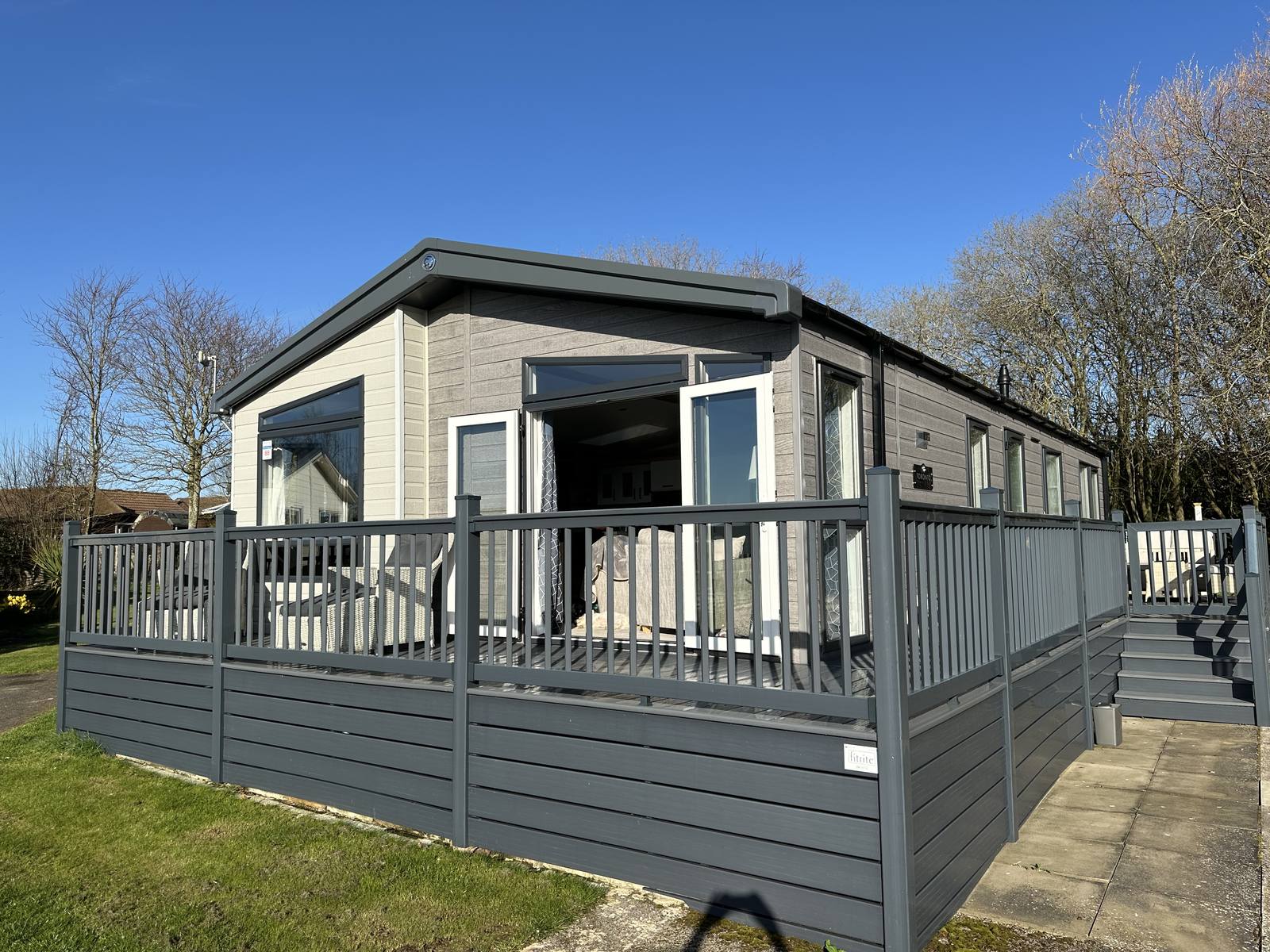
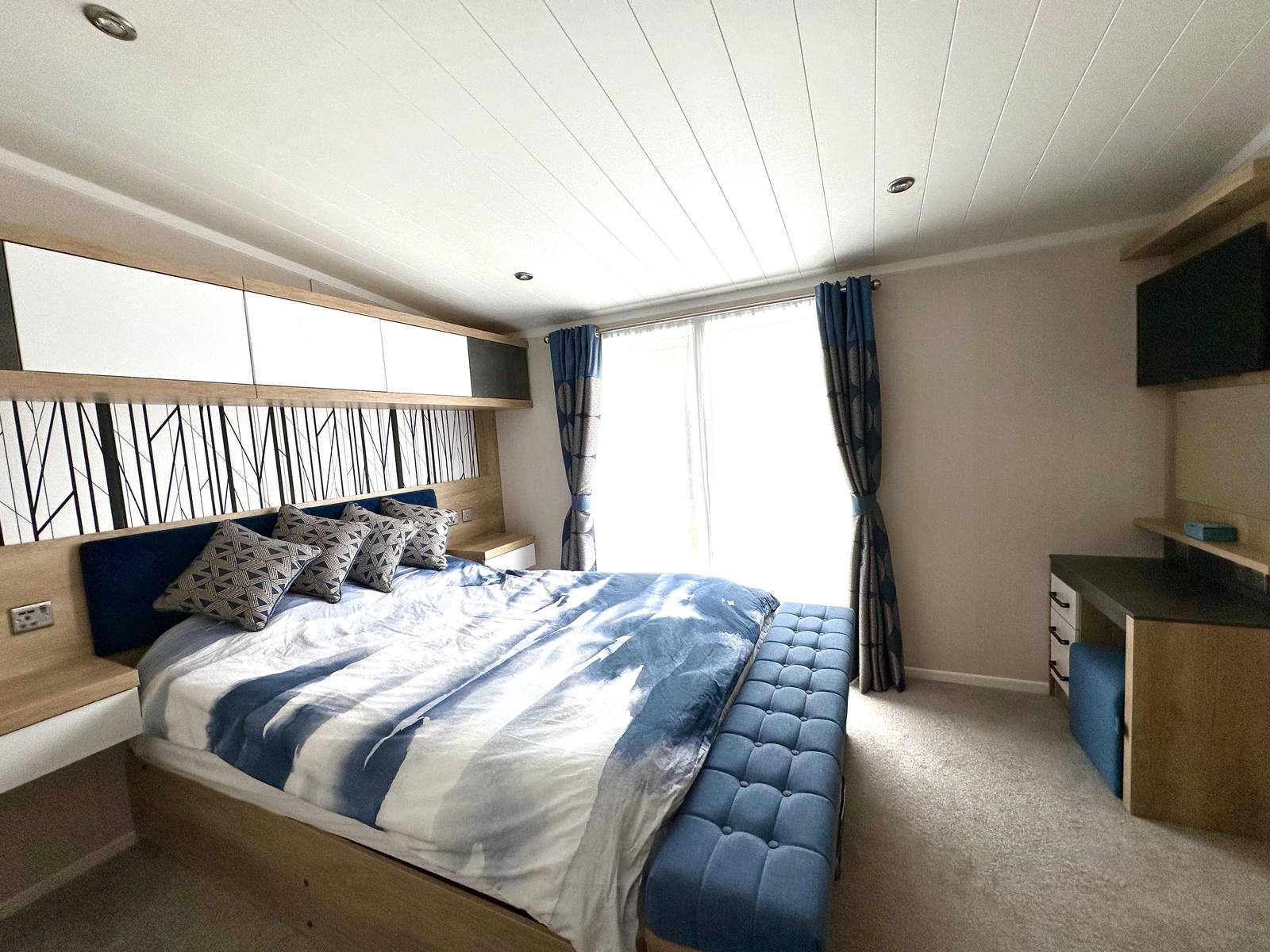
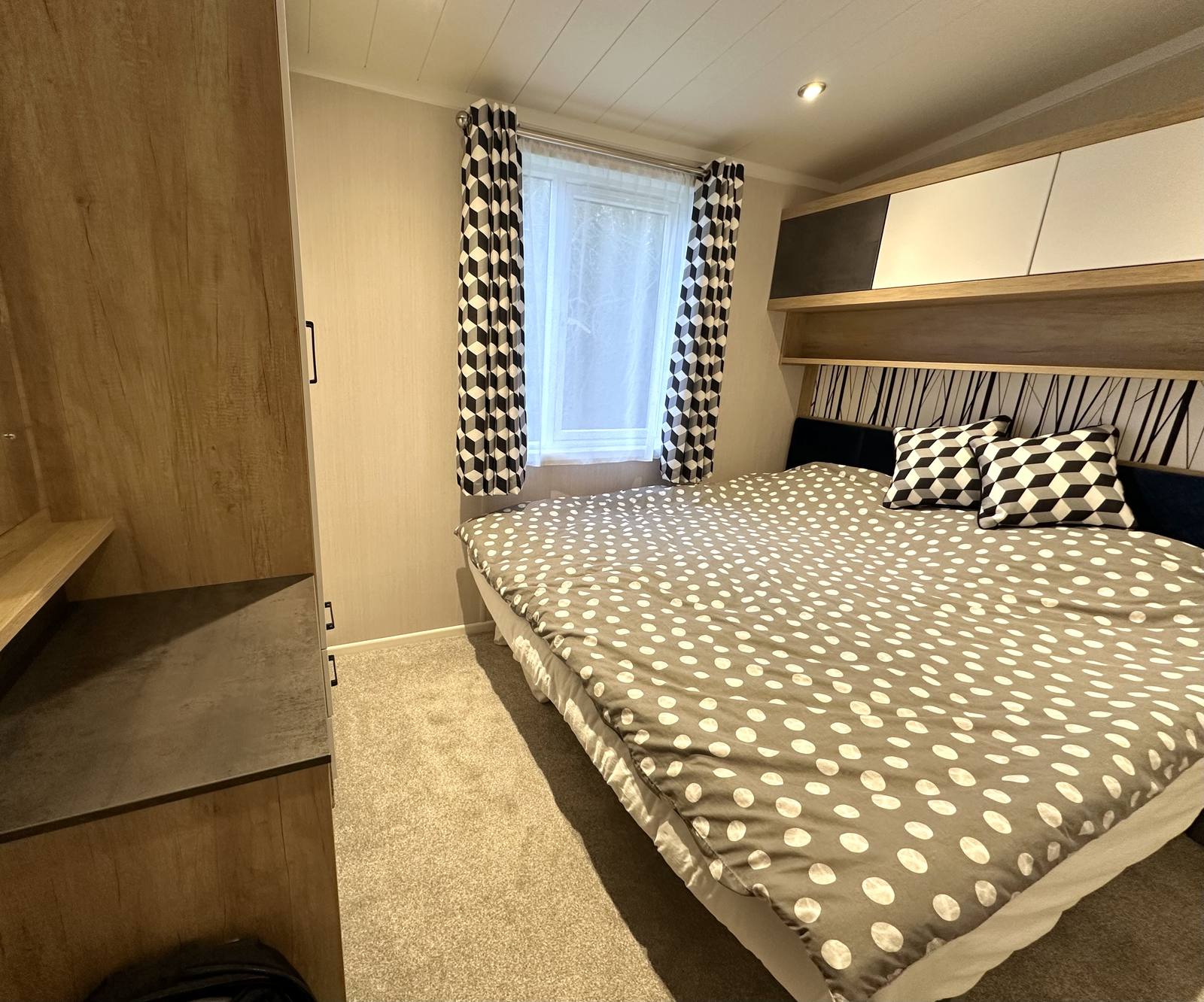
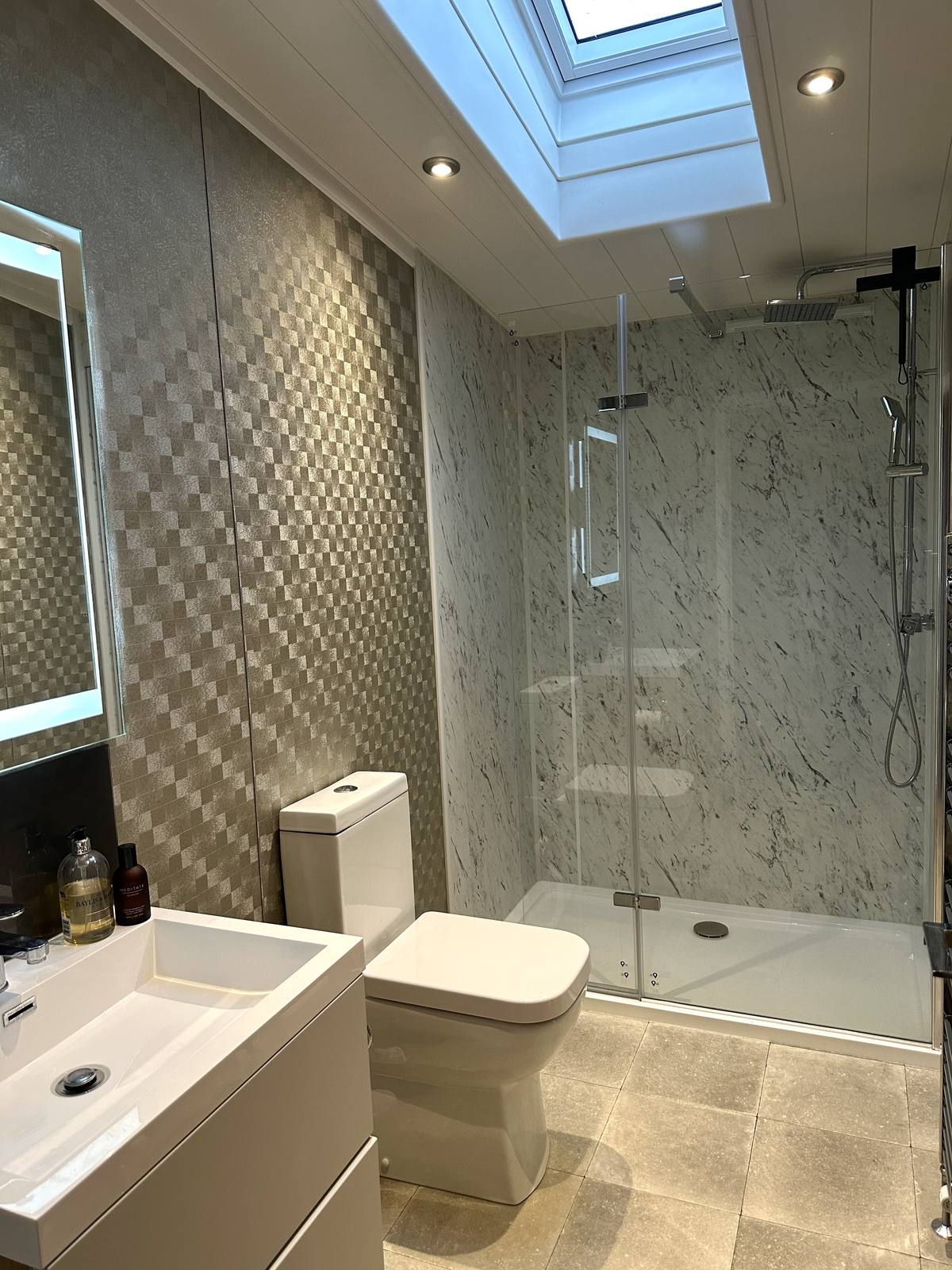
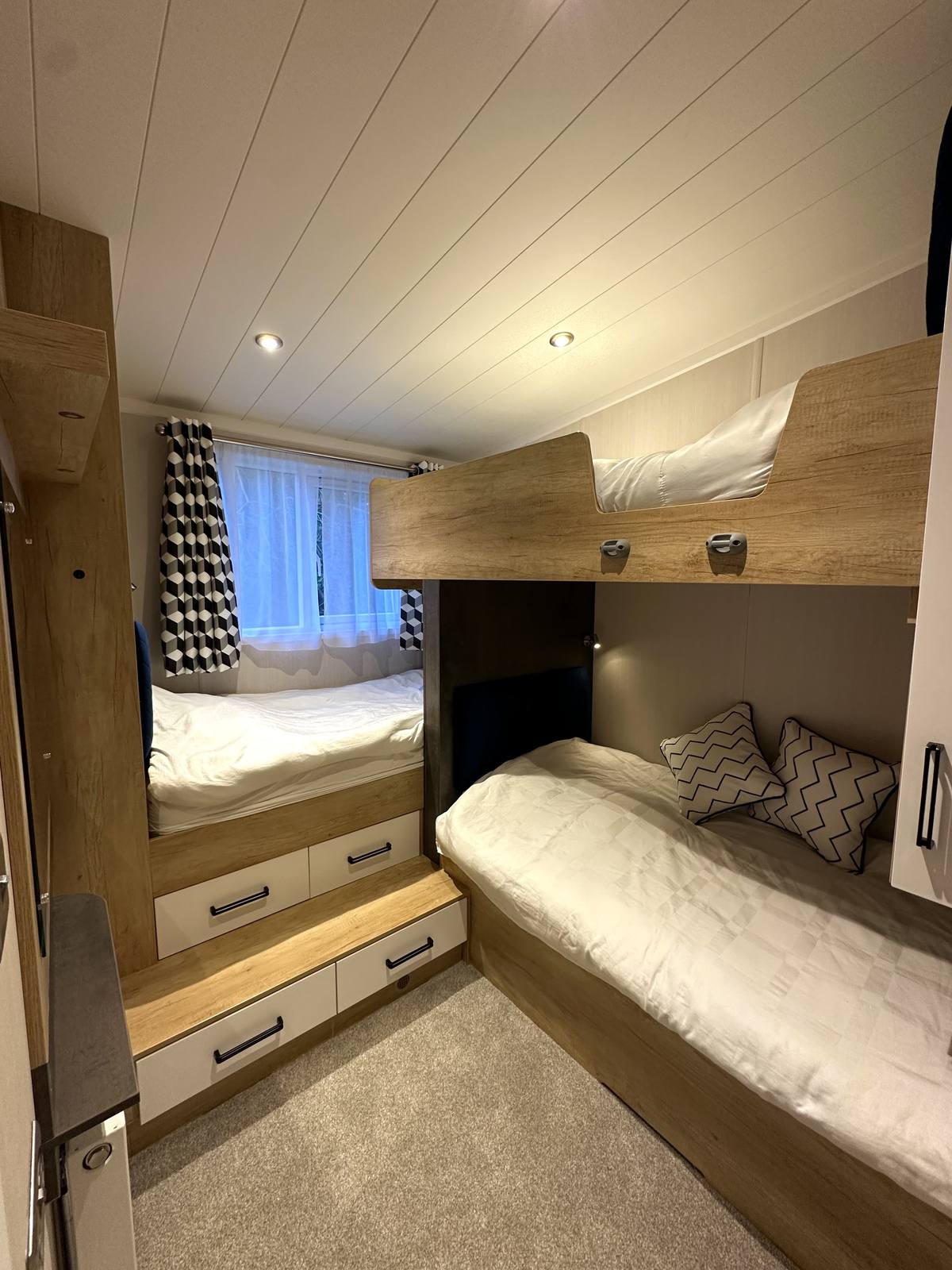
A well-appointed holiday lodge sleeping up to 7 guests, set within a well-established holiday park. Spacious open-plan living, a well-equipped kitchen, two double bedrooms, The Kids Cabin and a generous wraparound deck — everything you need for a great family break away.
Photography
Click any image to enlarge
The Living Room
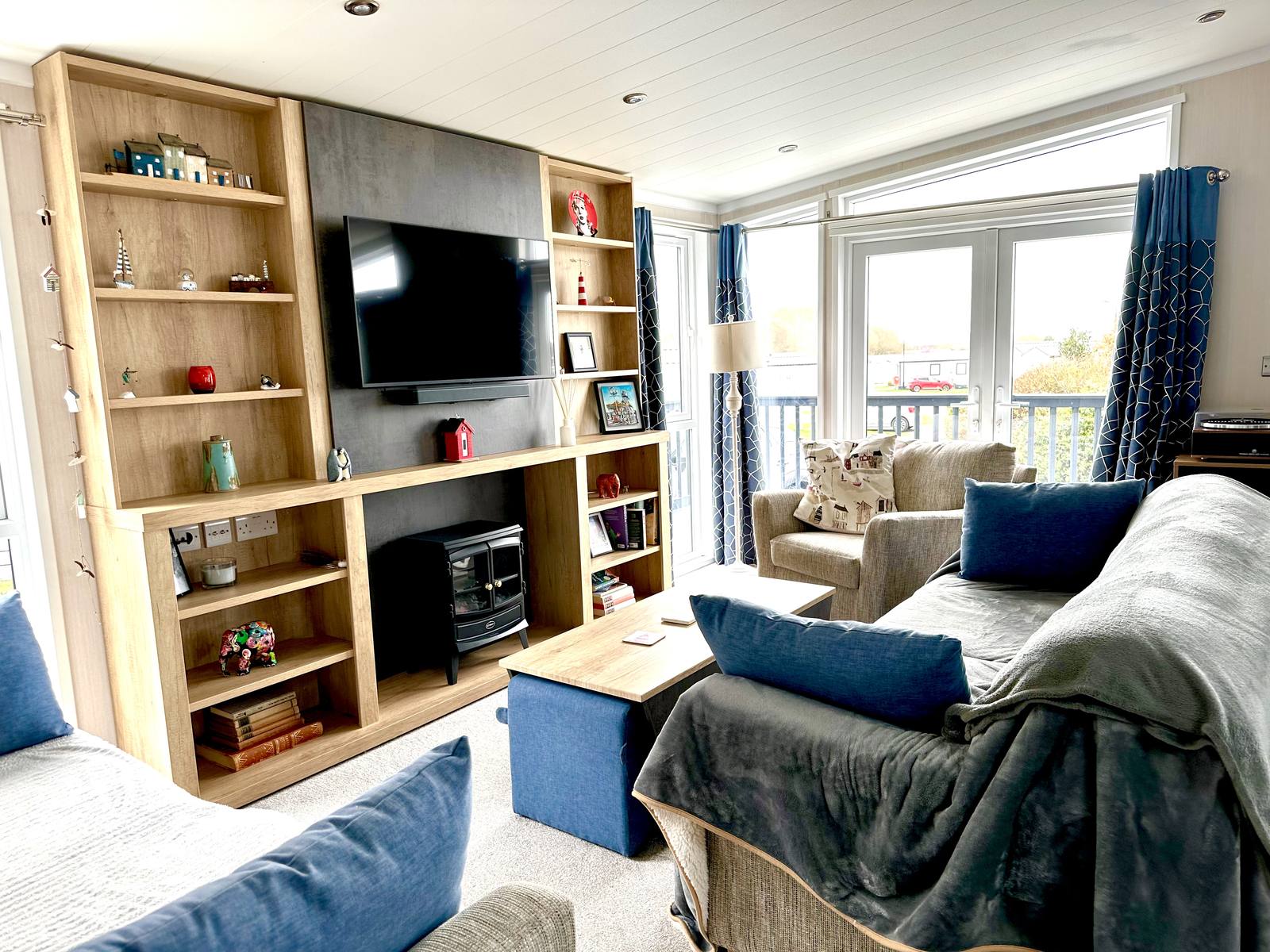
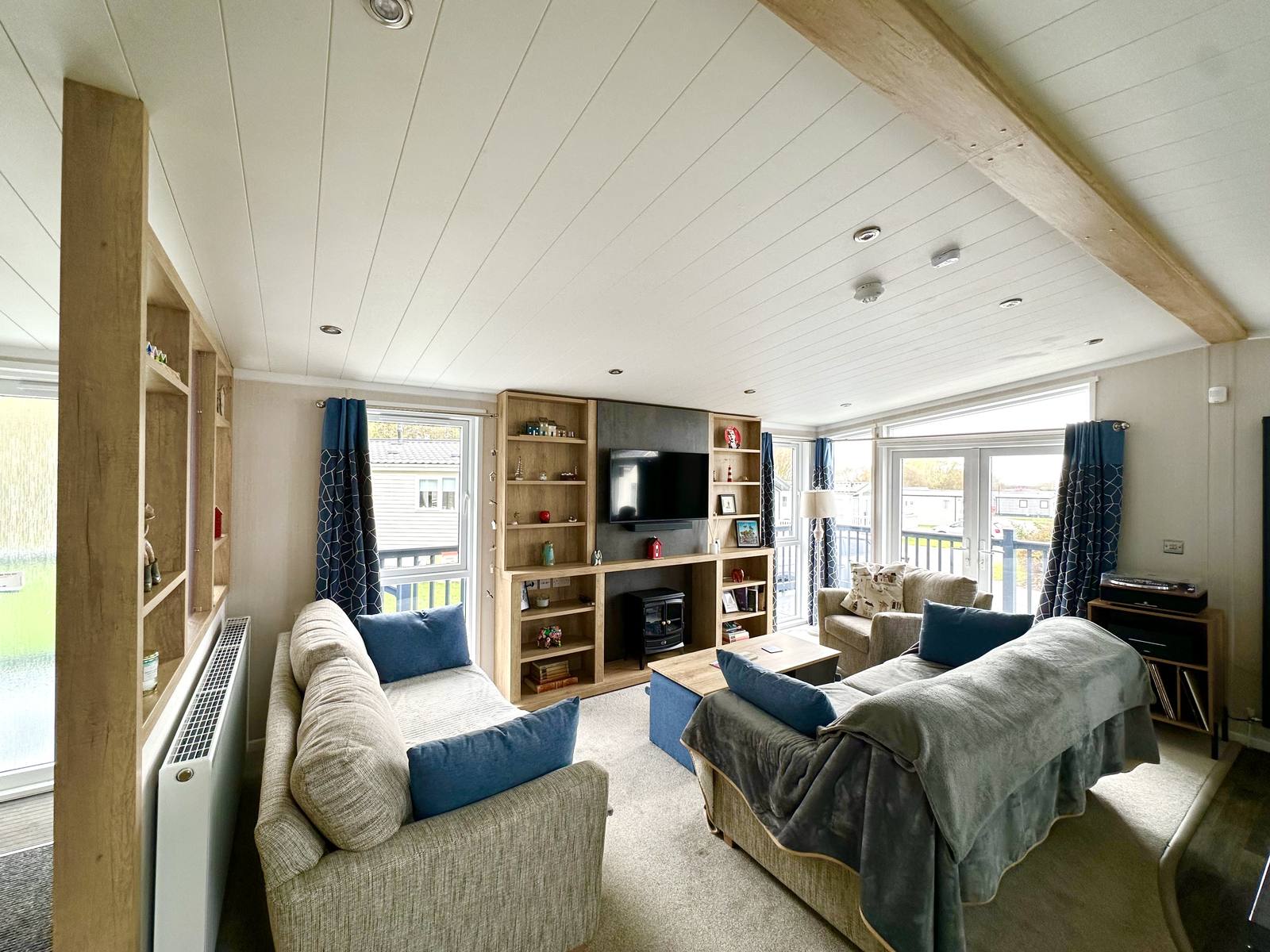
The main living area is open-plan, bright and comfortable, with a vaulted ceiling and windows on multiple sides keeping things feeling nicely spacious. Two generous sofas face a full-width fitted media unit with an electric log-effect stove and flat-screen TV, and the French doors open straight out onto the deck.
Kitchen & Dining
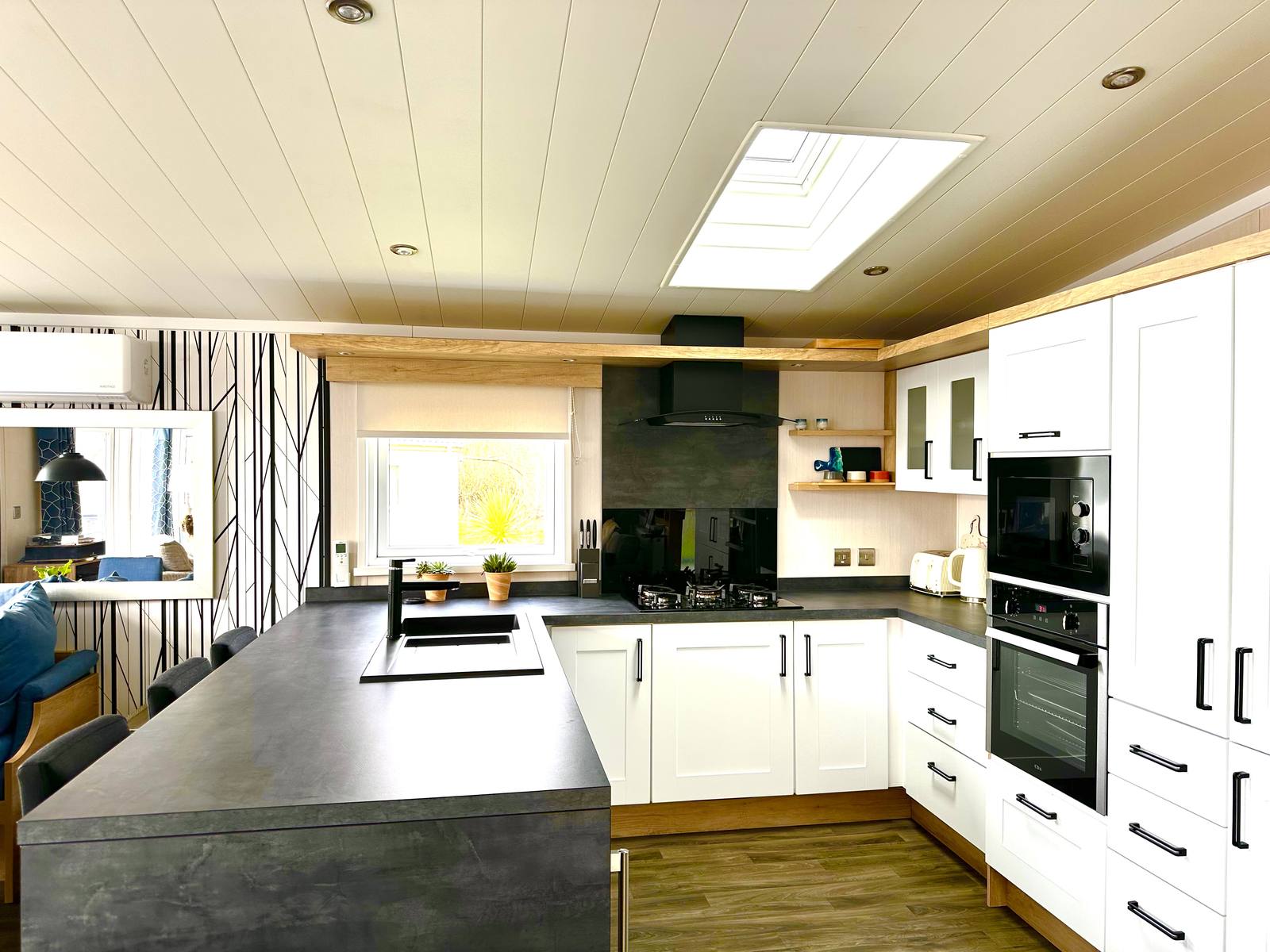
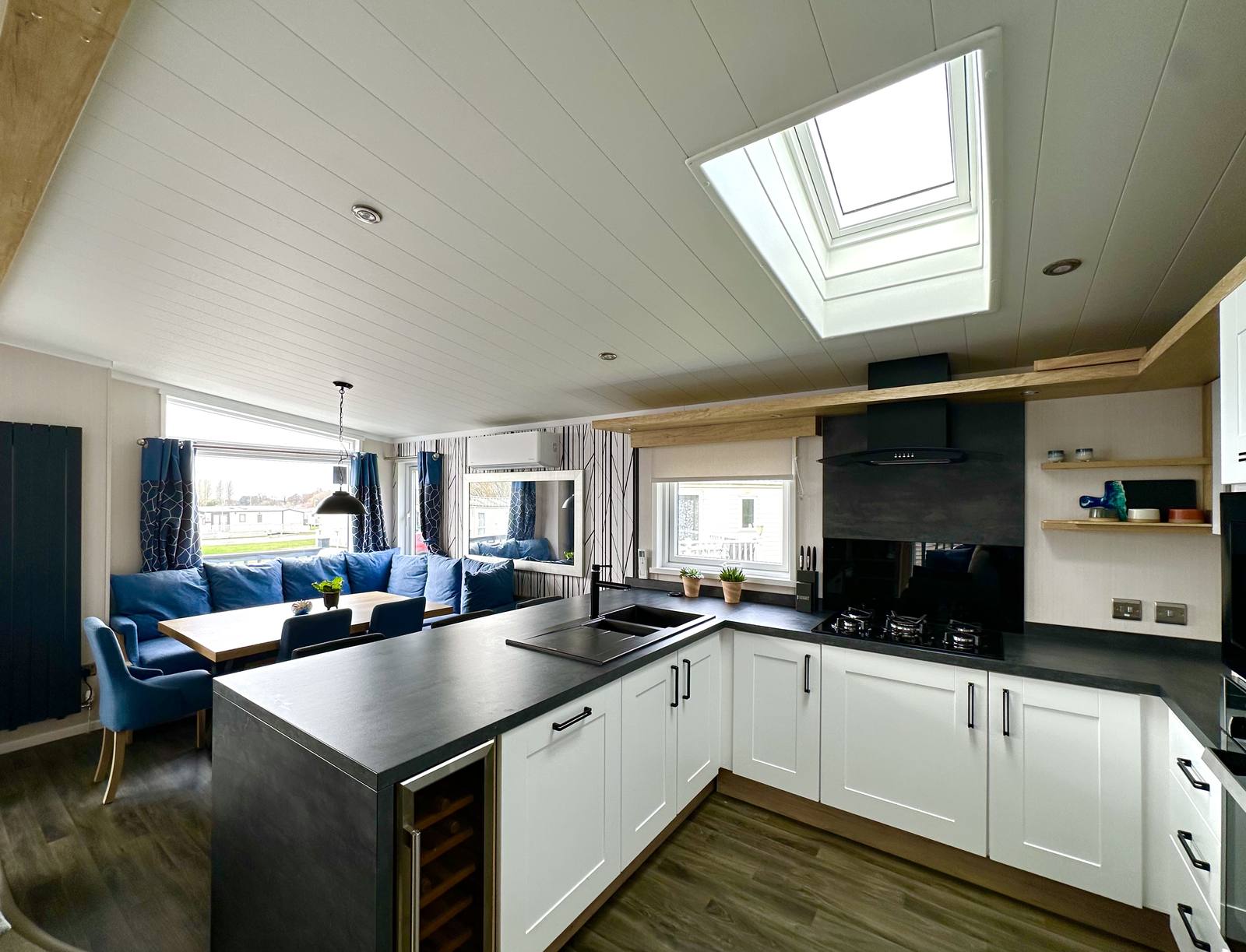
The kitchen is a real practical asset for a holiday lodge — white shaker-style units paired with a large central island give you plenty of worktop and storage space, and a Velux skylight keeps the whole area bright. It flows through to a dedicated dining area with bench seating, making it a good spot for family meals.
Outdoor Space
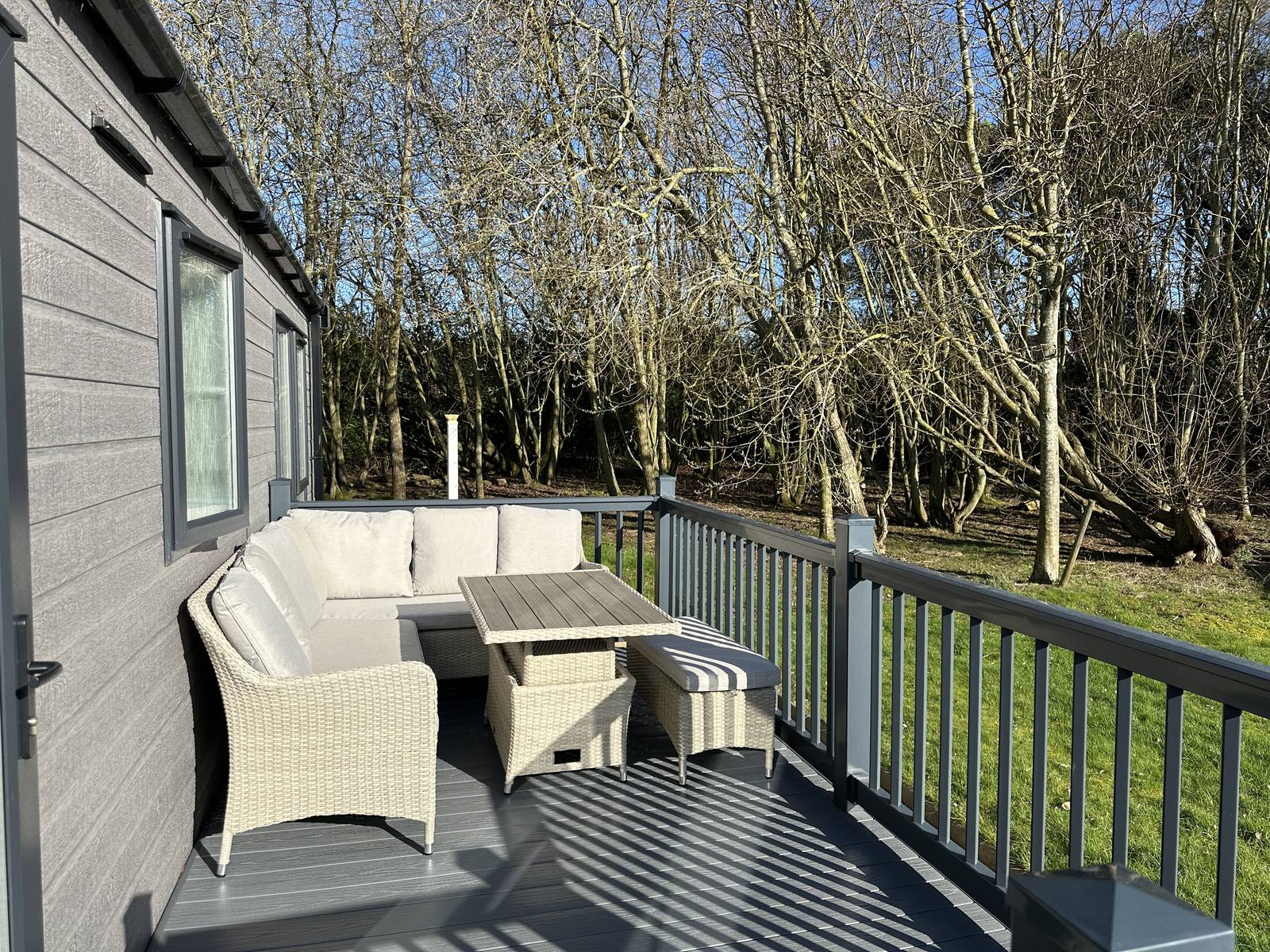
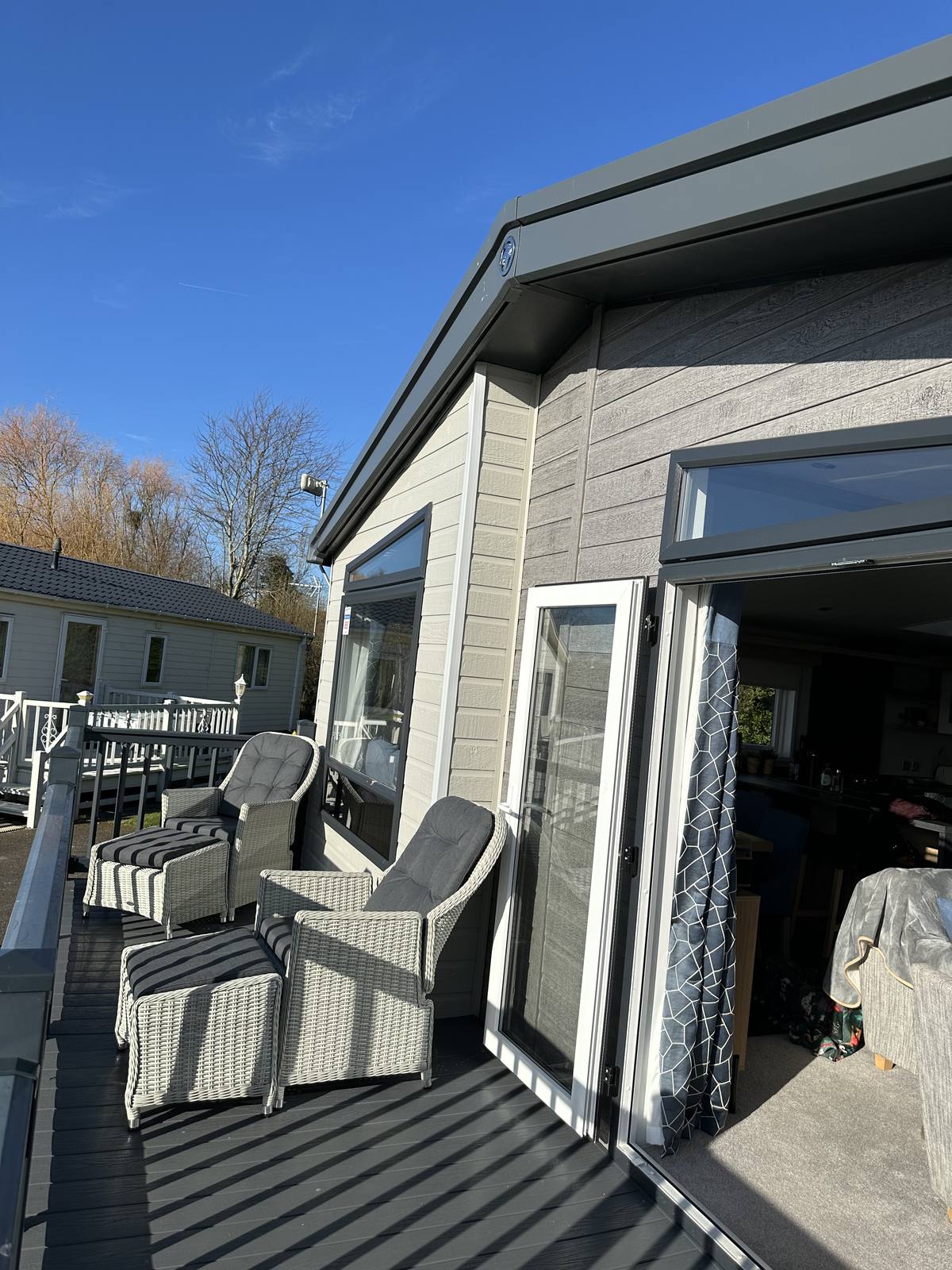
The wraparound deck is a real bonus — it runs around two sides of the lodge and is fully enclosed with a close-railed balustrade, so it's safe and secure for young children. It's furnished throughout with all-weather rattan furniture, giving you a good outdoor space to make use of whatever time of year you visit.

Something a Little Special
Hunstanton is one of the very few places on the East Coast of England where you can watch the sun set over the sea. Because the town faces west across The Wash, the evenings here have a quality you simply don't get along most of the coastline.
Both of these photos were taken locally. On a clear evening, the deck at Kensington 88 is a pretty good place to watch it happen.
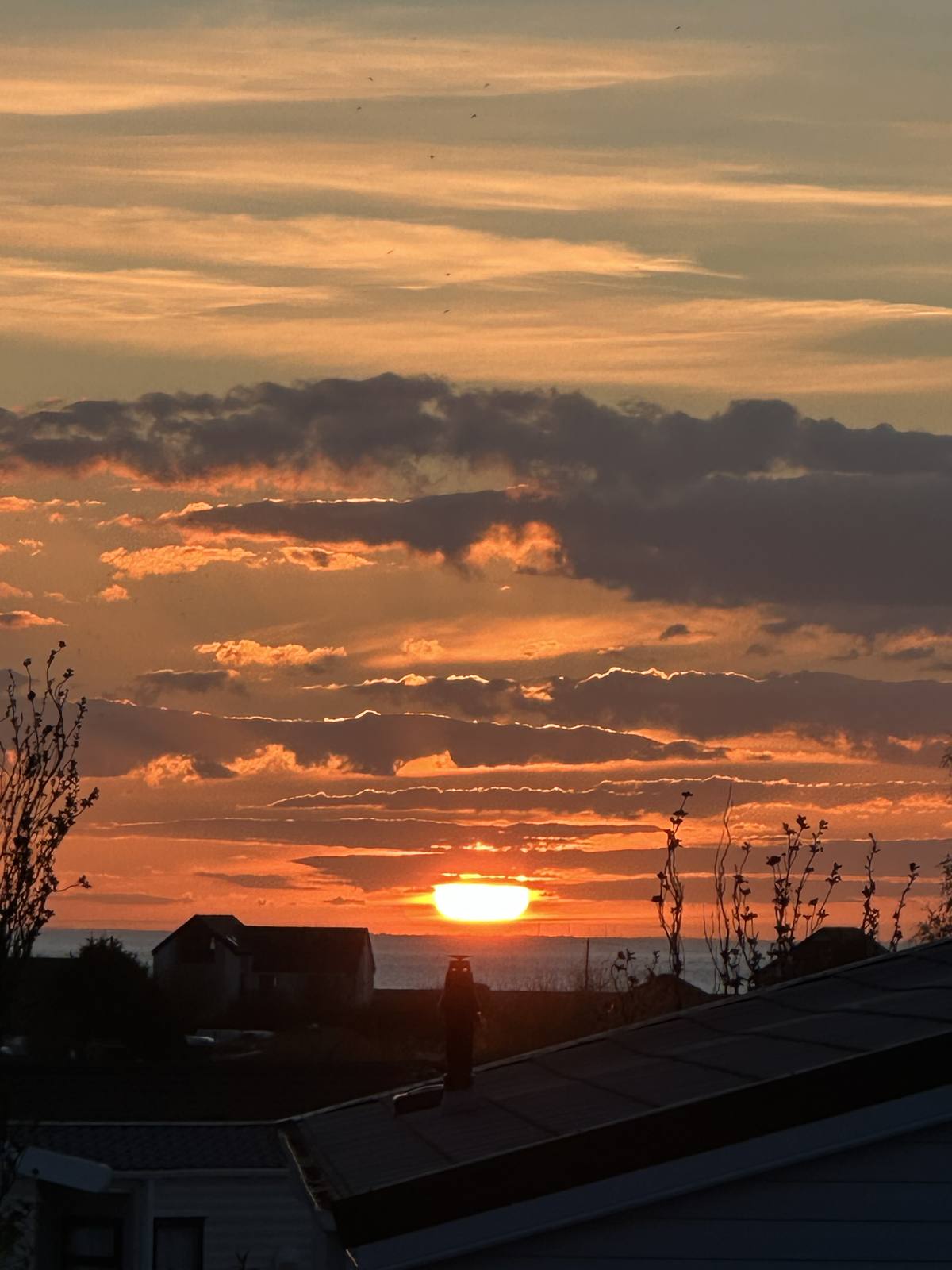
"One of the only places on England's East Coast where you can watch the sun go down over the sea."
This photo taken from the lodge
Sleeping Accommodation
What's Included
The Area
Hunstanton is well placed for the best of the Norfolk coast. Here are five things within 25 miles that are worth making time for.
The Park
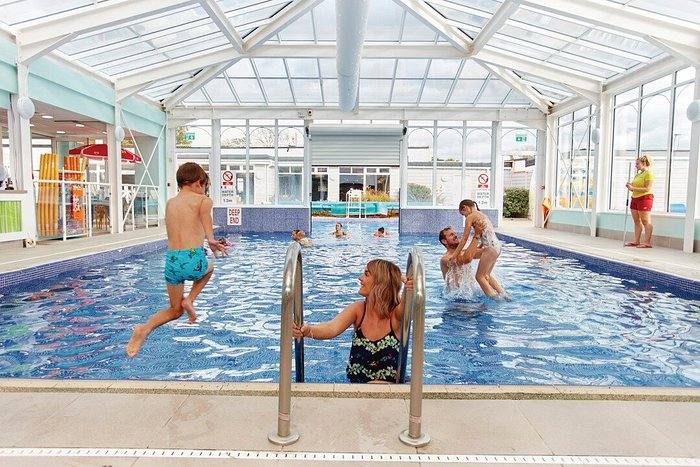
Kensington 88 is located at Manor Park Holiday Park in Hunstanton, Norfolk — a well-run Parkdean Resorts park right on the edge of town. The coast, beach, shops and restaurants are all within a walk or a short drive, and the park itself is consistently well maintained with good on-site facilities for families.
📍 Manor Park Holiday Park, Hunstanton, Norfolk, PE36 5AZ
Finding the Lodge
Go straight on as you come through the park entrance
Follow the road through the S-bend
After the S-bend, take the second right
Follow the road to the end — there is a small cul-de-sac with a roundabout
We are right there — Number 88
Plan Your Visit
Booked and blocked dates are shown below. To make an enquiry for available dates, get in touch with Abigail.
📞 07366 377 451 ✉️ abigail@inandaround.uk.com
Calendar updates automatically from our booking system.
Get in Touch
We're happy to answer any questions about the lodge or the local area. Get in touch and Abigail will come back to you promptly.